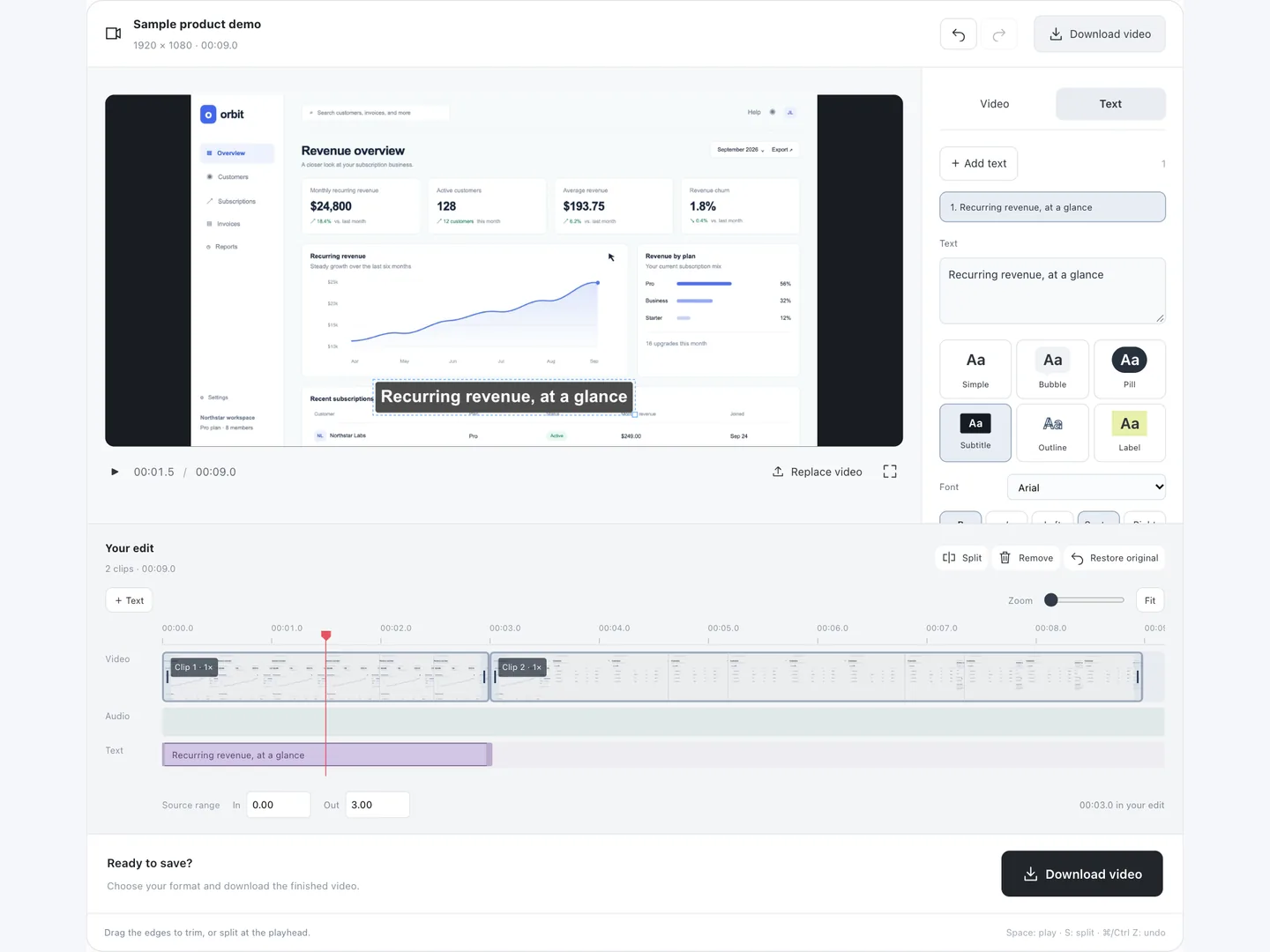
Choose the parts to keep.
Drag the trim handles. Split at the playhead, remove a section, or drag clips into a different order.
Free Online Video Editor
A browser-based editor for screen recordings, walkthroughs, and short videos. Your files stay on your device.
Drop it here, or choose one from your device.
MP4, WebM, MOV · browser-compatible codecsDrag the trim handles. Split at the playhead, remove a section, or drag clips into a different order.
Add styled text and choose when it appears. Adjust sound and speed, try a finish, or fade your video in and out.
Play your whole edit and save it as MP4 or WebM. Save the file before closing this tab.
Free Online Screen Recorder
Capture your screen, camera and voice. Then bring the downloaded video here to cut the pauses and keep the useful moments.
Open screen recorder
No. Import, preview and export happen in your browser. There is no account or video upload. Save the edited file before refreshing or closing this tab.
Use an MP4, WebM or MOV file with codecs your browser can decode. Chrome and Edge are recommended. MP4 and WebM export availability depends on your browser’s native video and audio encoders. Unsupported combinations show an explanation instead of dropping your audio or effects.
Audio stays synchronized with the clip. Speed changes also shift its pitch, like playing a recording faster or slower. Volume and mute are applied separately to each clip.
Yes. Undo and redo work for trims, splits, removals, clip order and adjustments. Restore original starts again from the full video. The file on your device is never changed.
This editor works on one source video at a time. You can split it into clips and rearrange those clips. Use it for a focused demo, walkthrough or short recording.