Try it in preview first
Check your camera, microphone, and capture area before recording.
Free Online Screen Recorder
A free online screen recorder for product demos, software walkthroughs, and bug reports. Capture your screen, voice, and webcam. Preview first, record when you’re ready, and download your video.
Choose a screen, window, or tab to begin.
Screen and camera access need your permission.
The floating preview stays open while recording. Share a specific tab or window if you want to keep the recorder out of your video.
Check your camera, microphone, and capture area before recording.
Share a browser tab, a window, or your entire screen.
You can switch tabs and windows. Just keep the tab with this tool open.
Stop, review, and save the file anywhere to use it for your product.
Record a SaaS feature, explain a workflow, or capture a reproducible bug. This browser screen recorder lets you combine your screen, webcam, and voice, choose a smaller capture area, and save the video to share with customers or your team.
Choose a browser tab, app window, or screen. Preview your microphone and optional webcam, select the capture area, then start recording. Pause when needed, review your product demo, and download the video.
Yes. No account, installation, or video upload is required. Your recording is processed in your browser and saved to your device. Browser permission is required to capture your screen, camera, or microphone.
Yes. Add a camera bubble and microphone narration to a software walkthrough, SaaS demo, tutorial, or bug report. Tab audio depends on the browser and the source you share.
The preview stays visible while recording. Share a specific browser tab or app window to keep the recorder and floating preview outside the captured area. If you share an entire screen, anything visible on that screen may be recorded. The camera bubble you choose is intentionally included in the video.
Choose up to 4K, 30 or 60 frames per second, and an output bitrate. Actual quality depends on your source and browser. Download MP4 or WebM according to browser support. Ordinary recordings use the native capture stream; camera overlays and area crops use a compositor.
Product Screenshot Maker
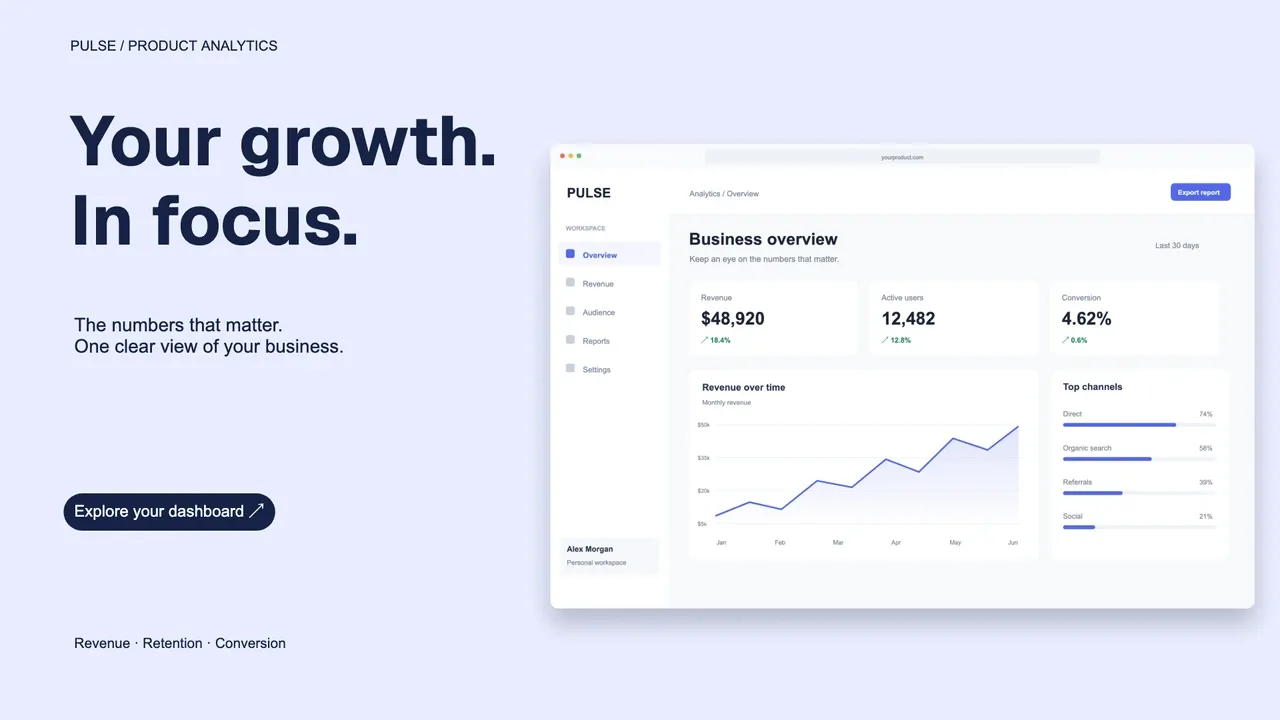
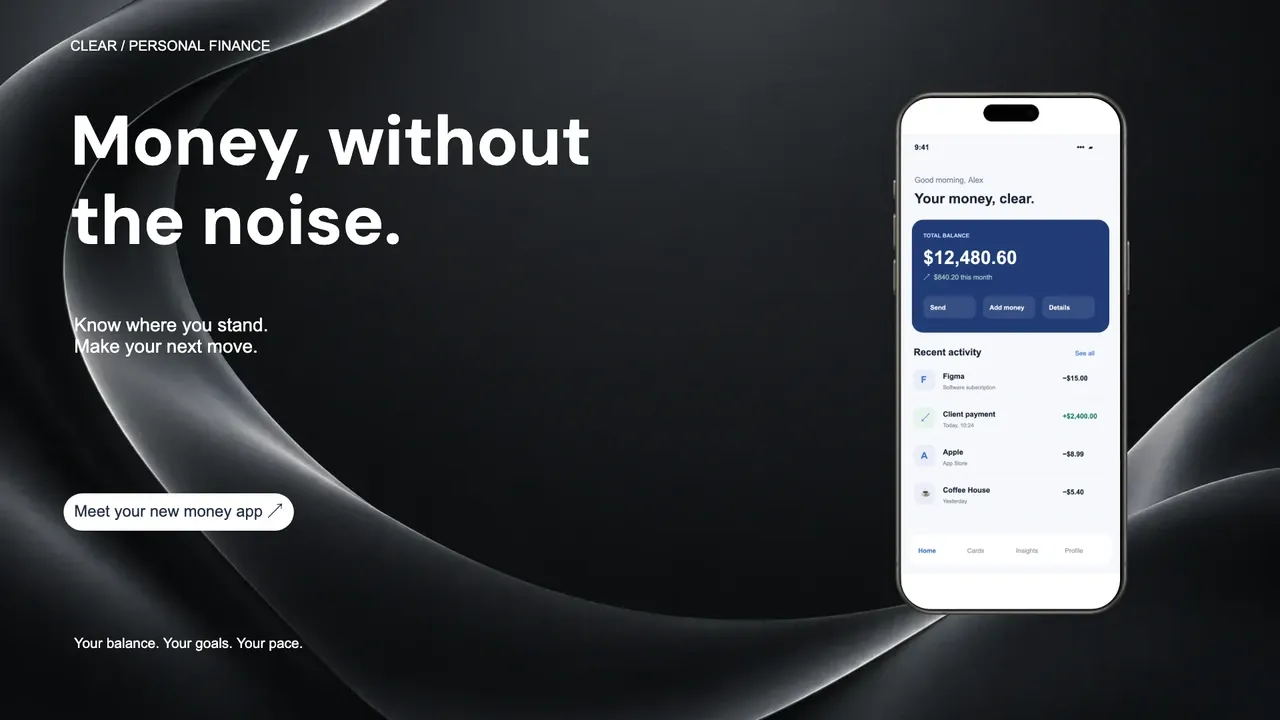
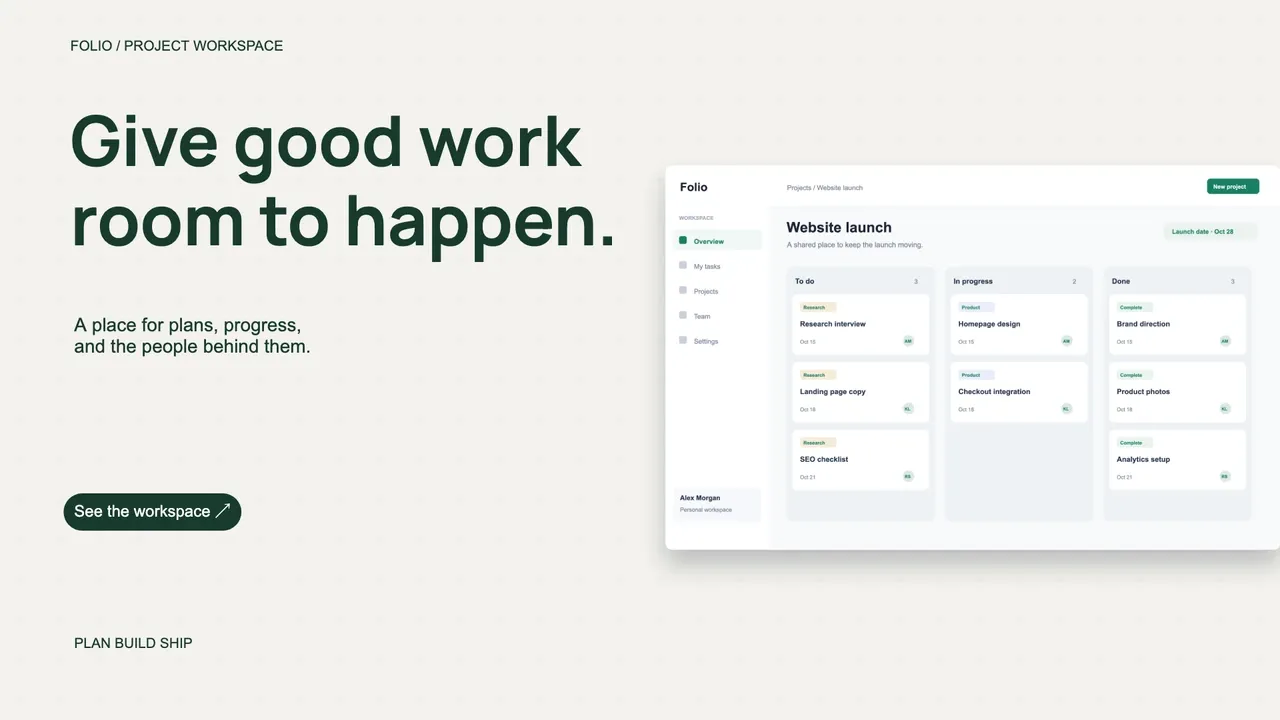
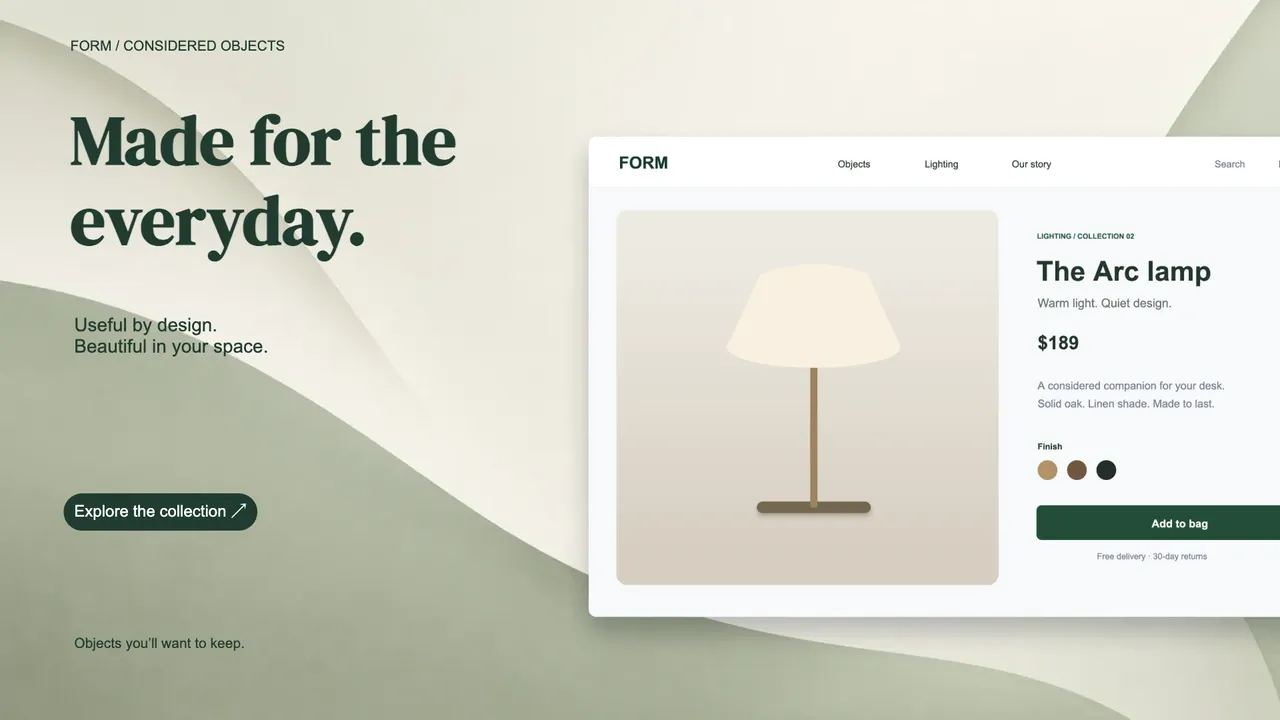
Turn a screenshot from your demo into a polished launch image, website visual, or social post. Add your message, choose a background or device frame, and download in HD or 4K.
Create your product image